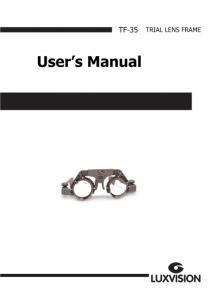















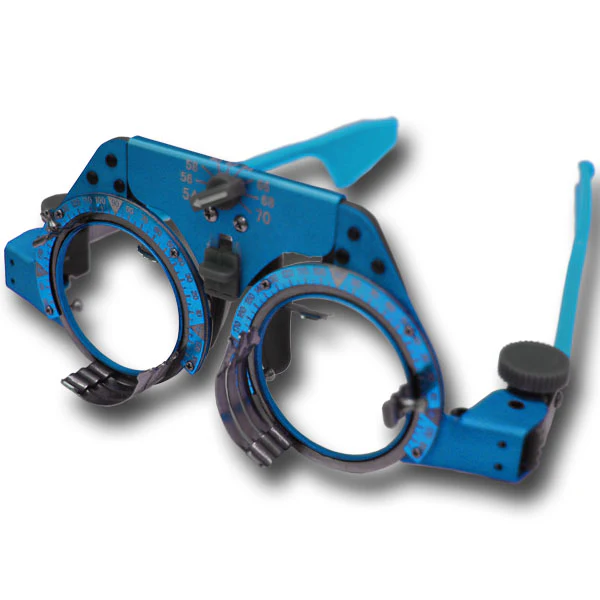
The TF-35 is the trial frame that ophthalmologists and optometrists have been asking for: easy to use, lightweight, and best of all, affordable. It is easy to use for both ophthalmologists and optometrists, requiring fewer adjustments to achieve a proper and comfortable fit on the patient. Its lightweight aluminum construction will ensure many years of use.
Luxvision TF-35 Trial Frame
REQUEST QUOTEor call toll-free (888) 881-1122Financing available — simple terms, no leasing. Ask about it in your quote request.


Precise pupillary distance adjustment 54-70mm
The TF-35 allows independent adjustment of the left and right pupillary distance within a range of 54mm to 70mm, ensuring precise measurements for each patient.

Capacity for four lens pairs
Design that holds up to four lenses on each side, facilitating complex refractive testing and enabling more comprehensive evaluations without constant lens changes.

Lightweight high-durability aluminum construction
Made from high-quality lightweight aluminum, ensuring patient comfort during extended examinations and guaranteeing years of continuous professional use.

Complete system of customizable adjustments
Includes adjustments for temple length and angle, nasal bridge height and width, and cylindrical and prismatic axis rotation for a perfect fit to every facial morphology.


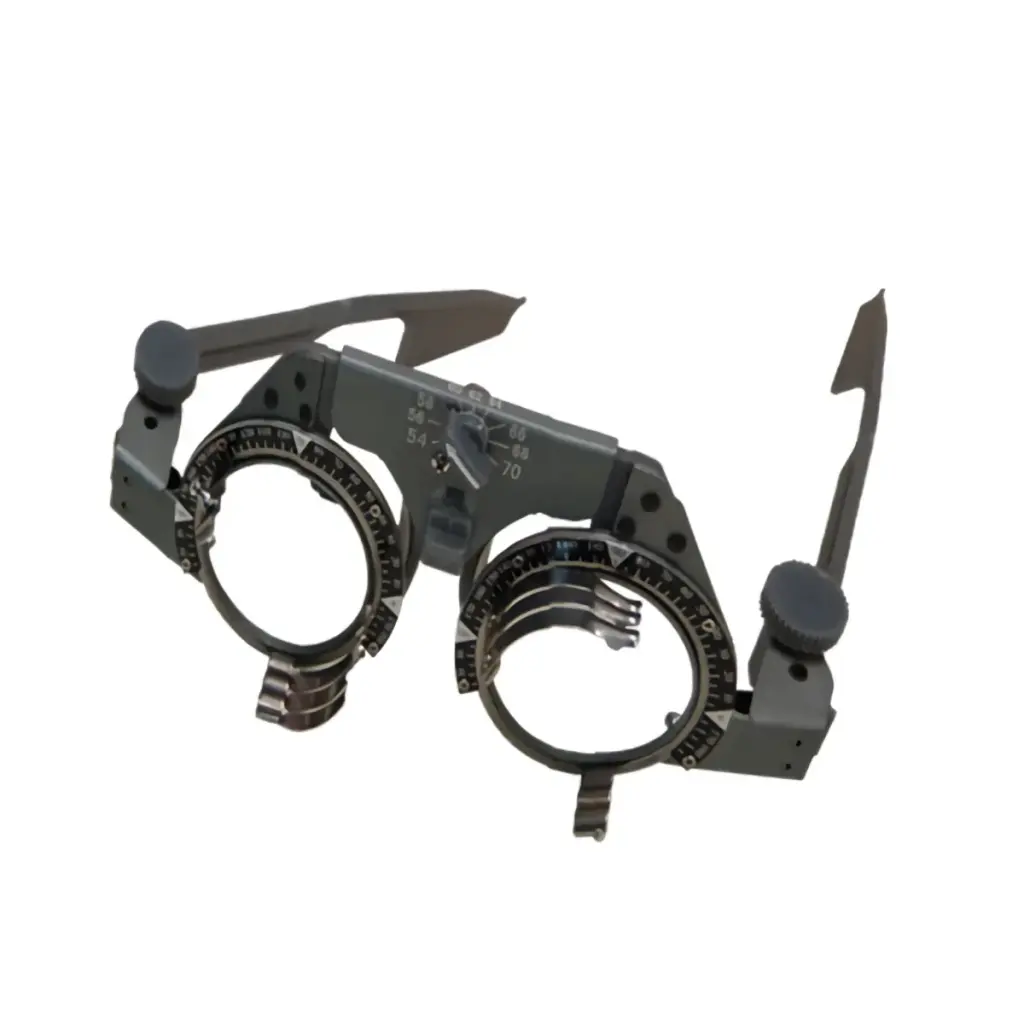
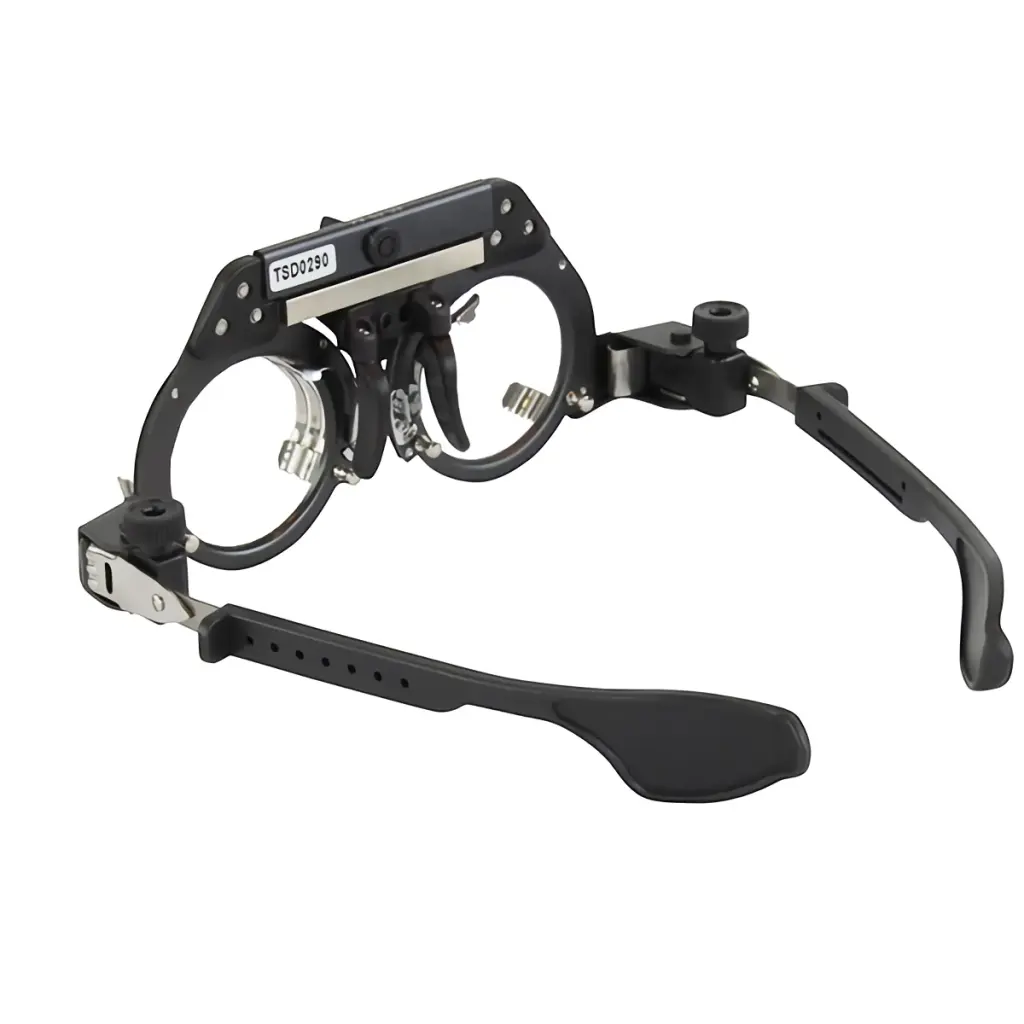
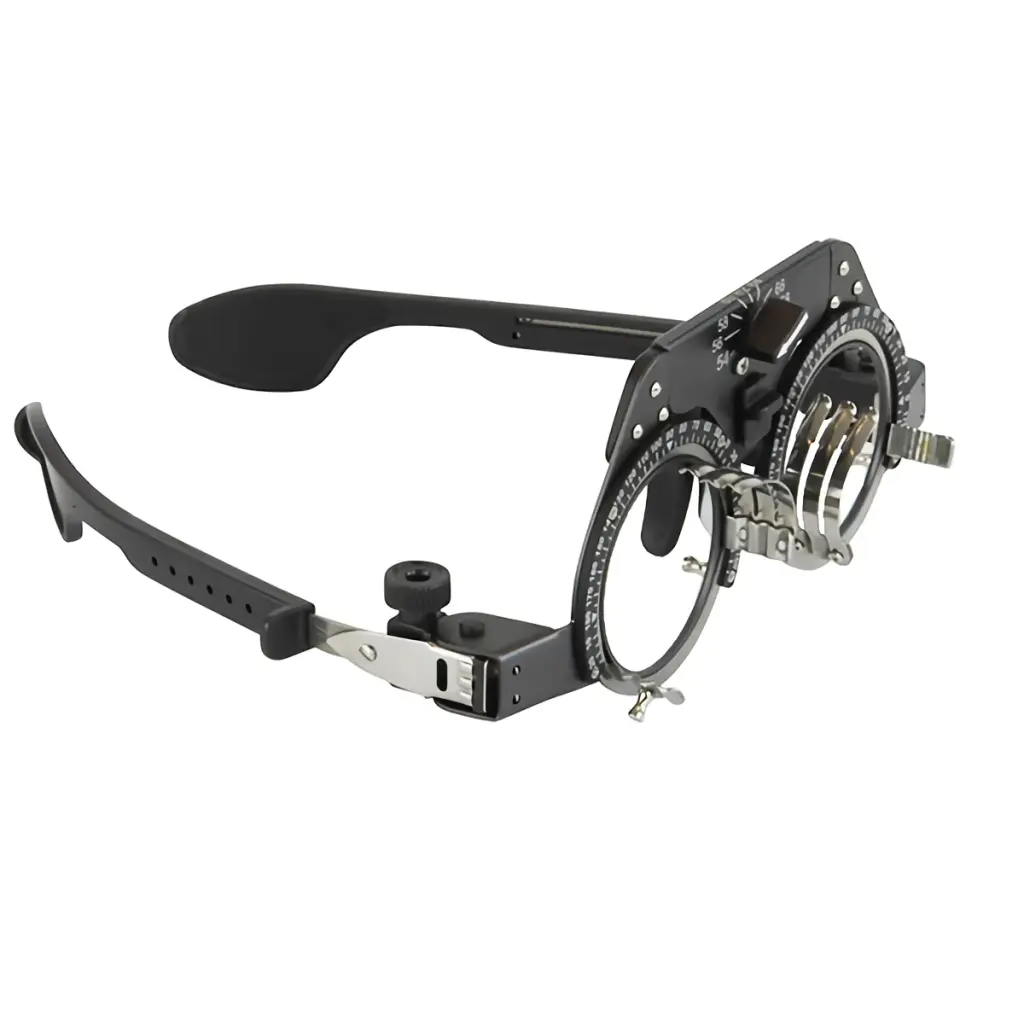

Supports 4 Pairs of Lenses
The high-quality TF-35 trial frame supports up to four lenses on each side.

PD Adjustment
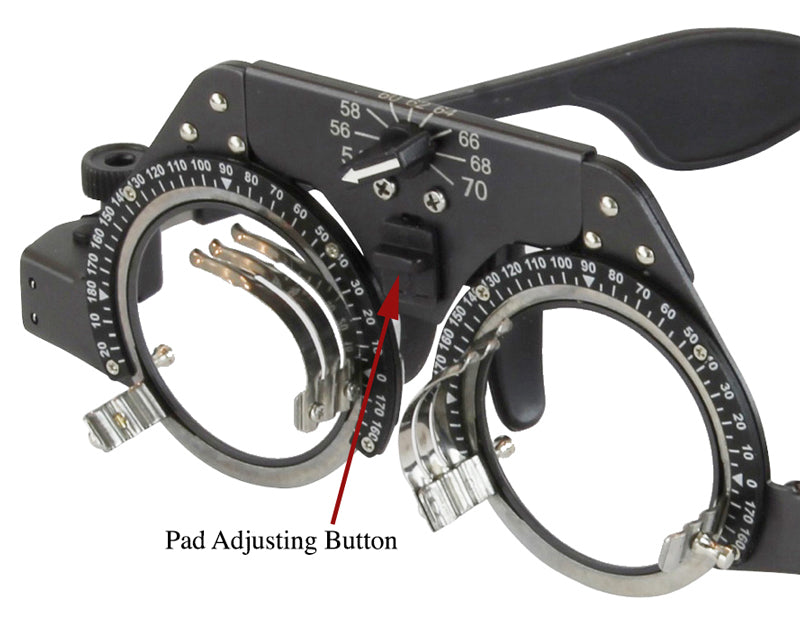
Both the left and right pupillary distance can be adjusted on the TF-35 frame, from 54 mm to 70 mm.

Temple Adjustment
With the TF-35, you can ensure the best fit for accurate trial prescriptions. Simply adjust the temple length by gently pulling the adjustment section until a comfortable position is achieved. Additionally, at the hinge of each temple there is an angle adjustment knob that allows you to regulate the inclination of the ear rests and ensure the frame is tilted at approximately 15°.

Nasal Pad Adjustment
With the TF-35, you can also adjust the nasal pad for a better fit to the patient’s nose bridge. The adjustment knobs allow you to regulate the length and angle of the pad.
Comfortable
The TF-35 trial frame features a soft ear rest, providing greater comfort to the patient.

Cylindrical and Prismatic Axis Adjustment
With the TF-35 trial frame, you can adjust the lens axis by turning the astigmatic axis adjustment knob once the lenses have been inserted.
Structure
Overview of the structure and components of the TF-35 trial frame.
How to use it · 1 – PD Adjustment
Turn the PD adjustment knob to regulate it. This PD must match the patient’s PD. You can read the PD value on the panel by observing the direction of the arrow.
 |
2 – Nose Pad Adjustment
According to the patient’s nose, move the nose pad adjustment knob to regulate the height, and rotate (or slide) the pad to adjust the width.
 |
3 – Astigmatism and Strabismus Axis Insert the cylindrical or prismatic trial lens into the spring clip and rotate the cylinder holder’s rotating knob with your fingertip.
4 – Temple Adjustment
Slide the temple cover to adjust its length and turn the adjustment knob to regulate the angle.
 |

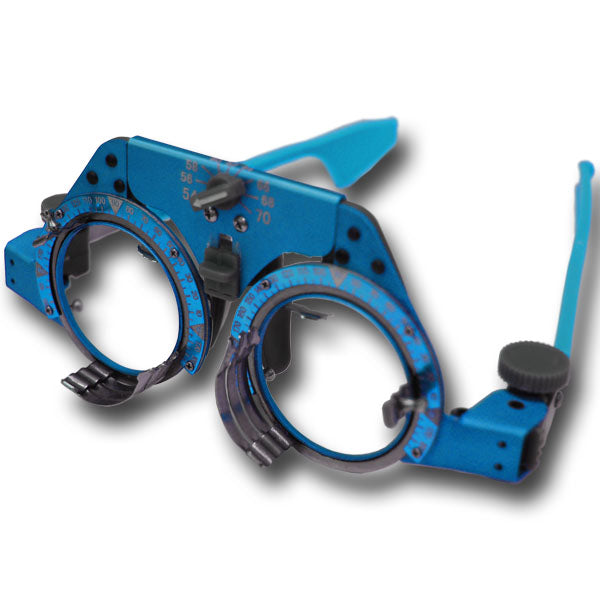
Color Options Available in Blue and Silver.
 |
 |
Specifications
| PD Scale | 2.12 ~ 2.75 in (54 ~70 mm) |
|---|---|
| Weight | 0.10lb (47g) |
| Accommodates up to | Four 1.5in / 38mm trial lenses |