












Skip to content
Search
+1 (888) 881-1122 REQUEST QUOTE

Clinical Areas:

Retina and Fundus

Glaucoma and Intraocular Pressure

Myopia Control

Cataract

Huvitz Myopia Management HBM-1 (M)

REQUEST QUOTEor call toll-free (888) 881-1122Financing available — simple terms, no leasing. Ask about it in your quote request.

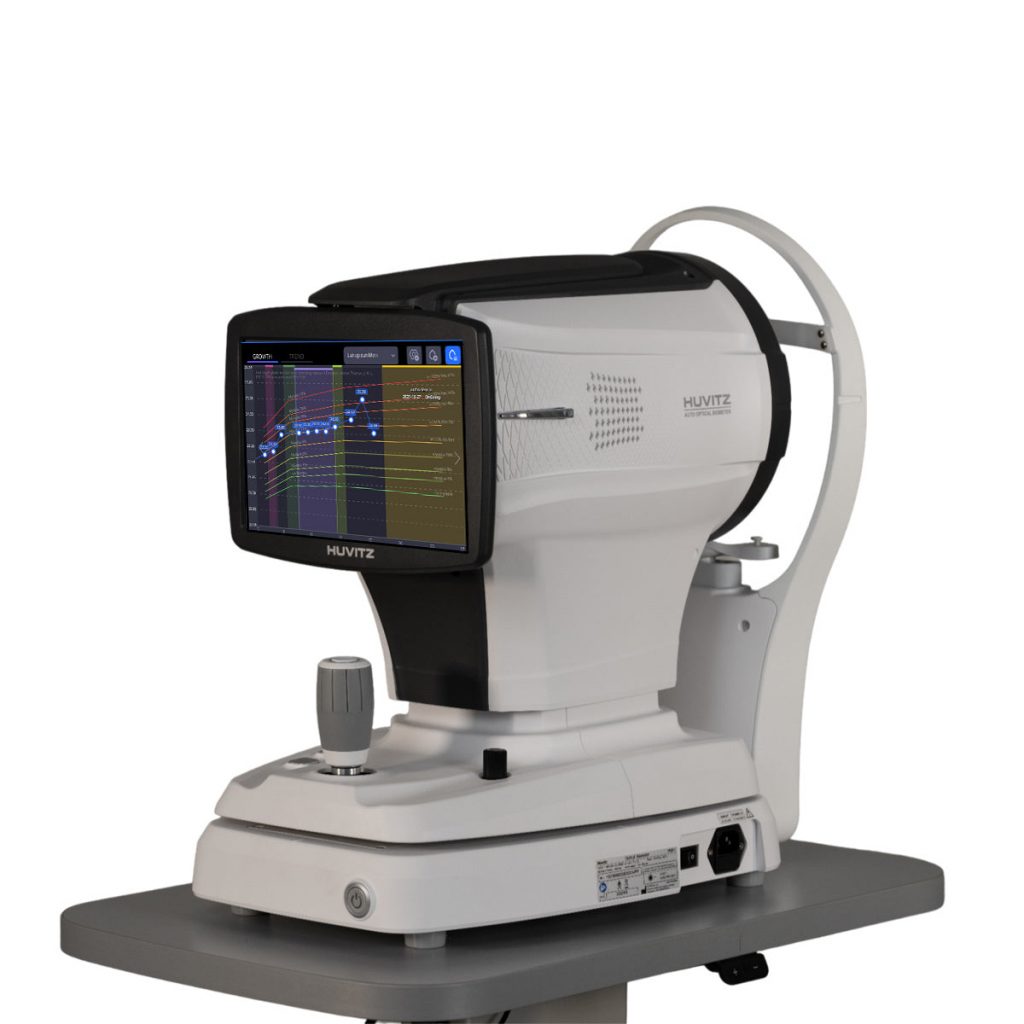
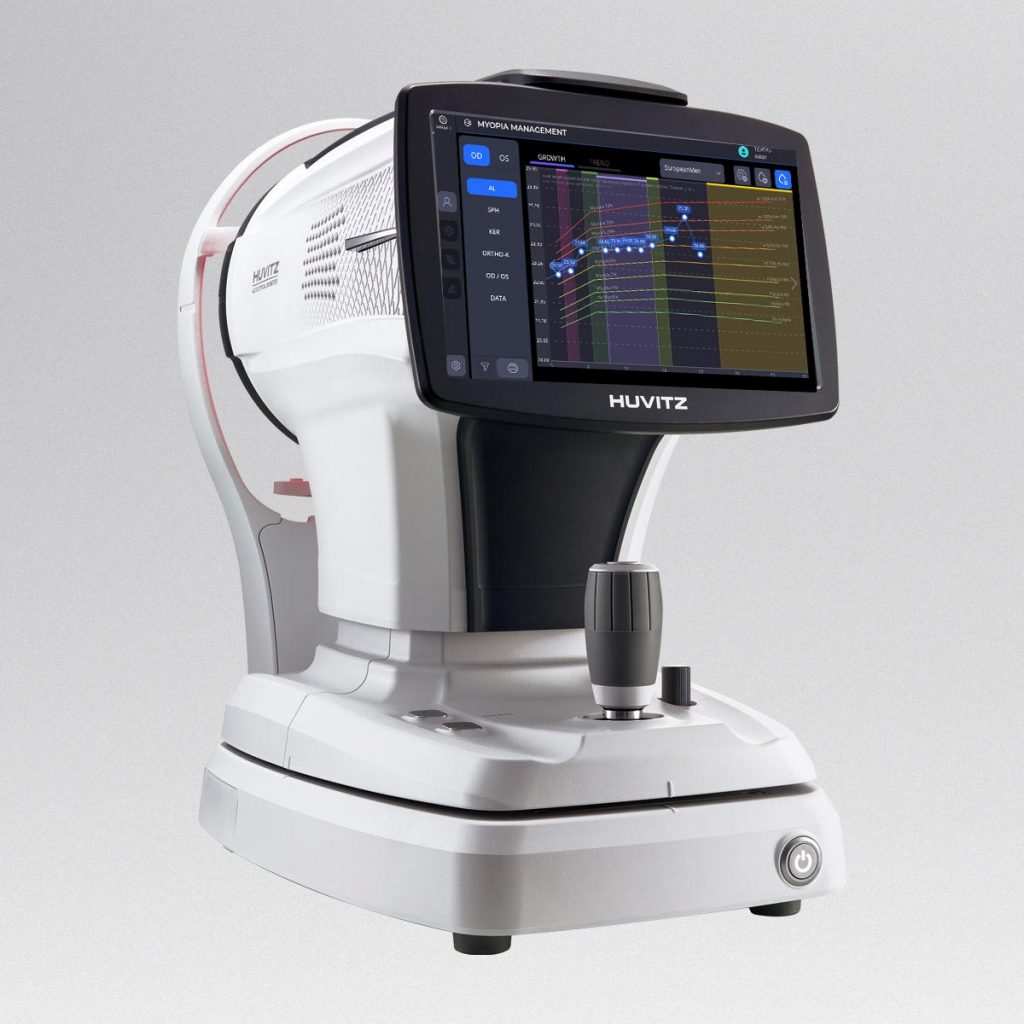
The Huvitz HBM-1 Myopia Management program is a comprehensive solution designed to support the continuous monitoring and management of myopic progression. By tracking the patient’s visual history, including axial length (AL) and refractive changes, it enables precise analysis before and after optical corrections such as spectacles or ortho-k lenses.

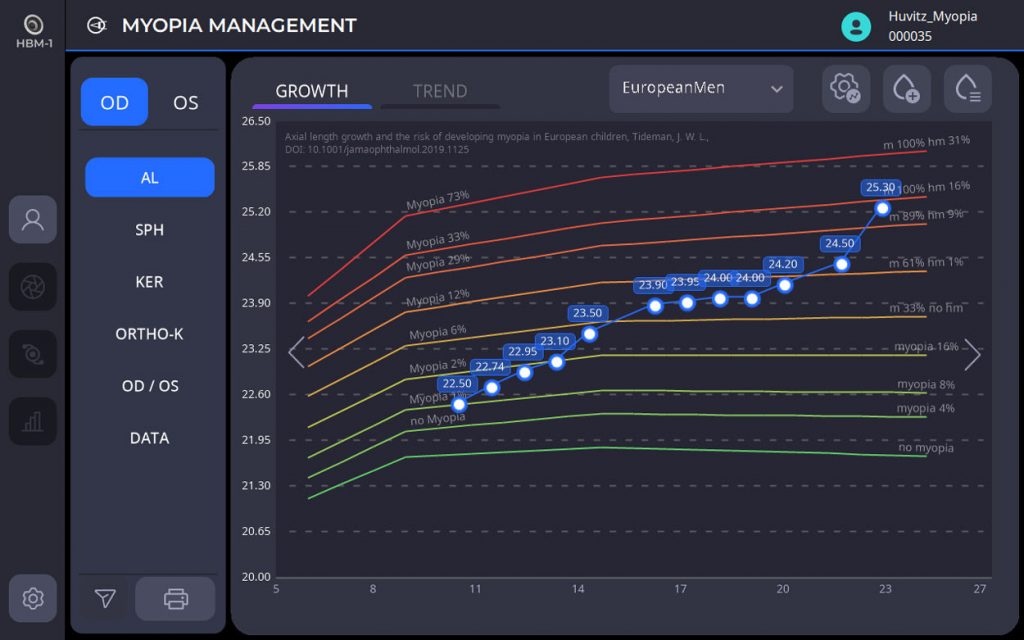
With advanced tools such as Myopic Growth Charts, customizable Y-axis scaling, and axial length trend visualization, clinicians can easily identify subtle growth patterns and classify annual progression rates. Integrated treatment databases and editable reports enhance the efficiency and accuracy of clinical management.
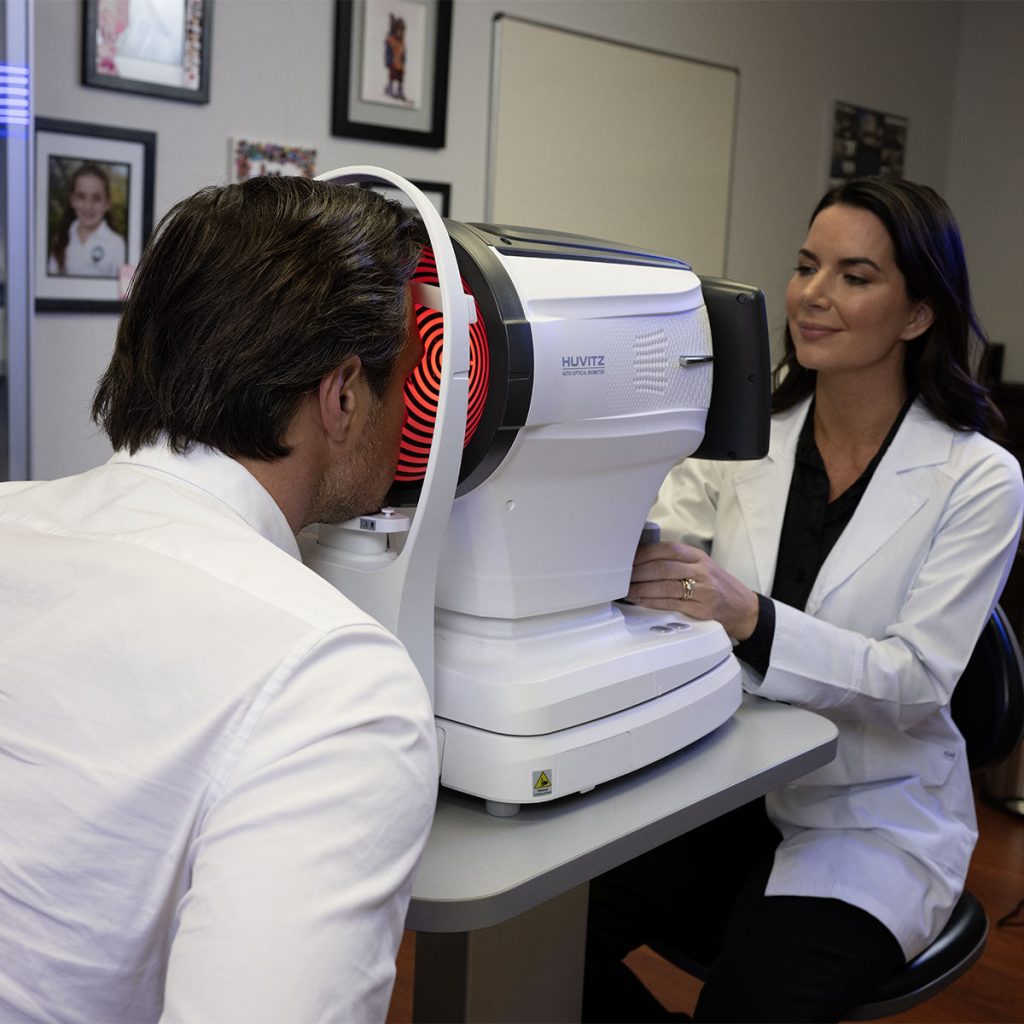

Huvitz Myopia Management HBM-1 (M)

Fully Integrated Optical Biometry + Topography

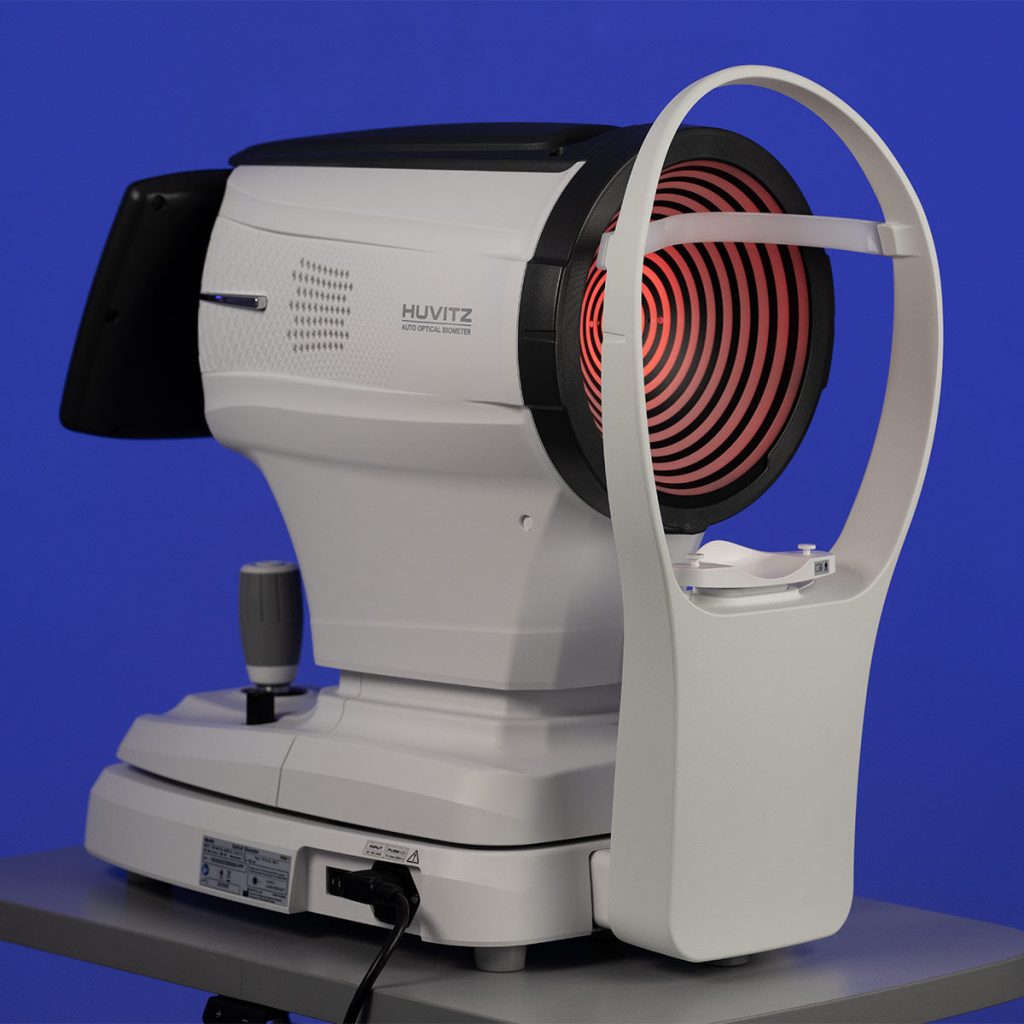
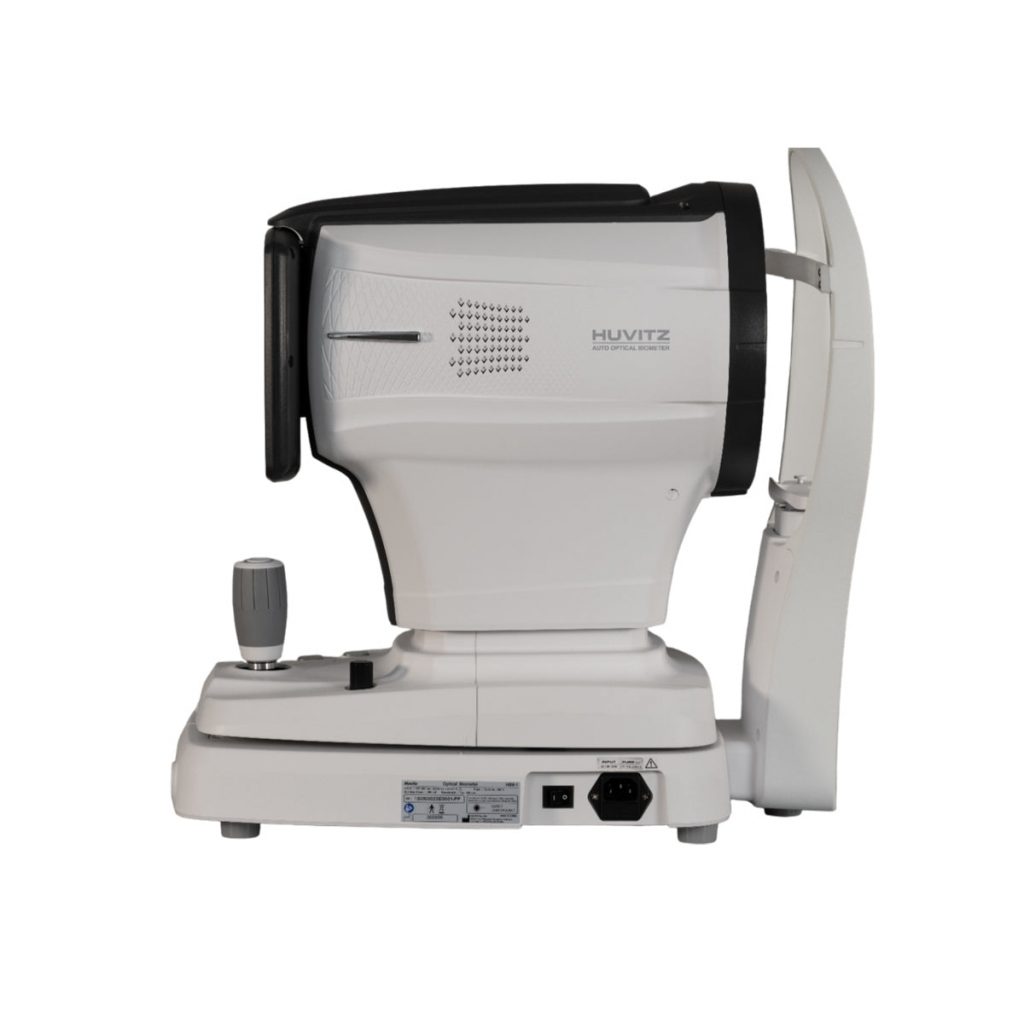
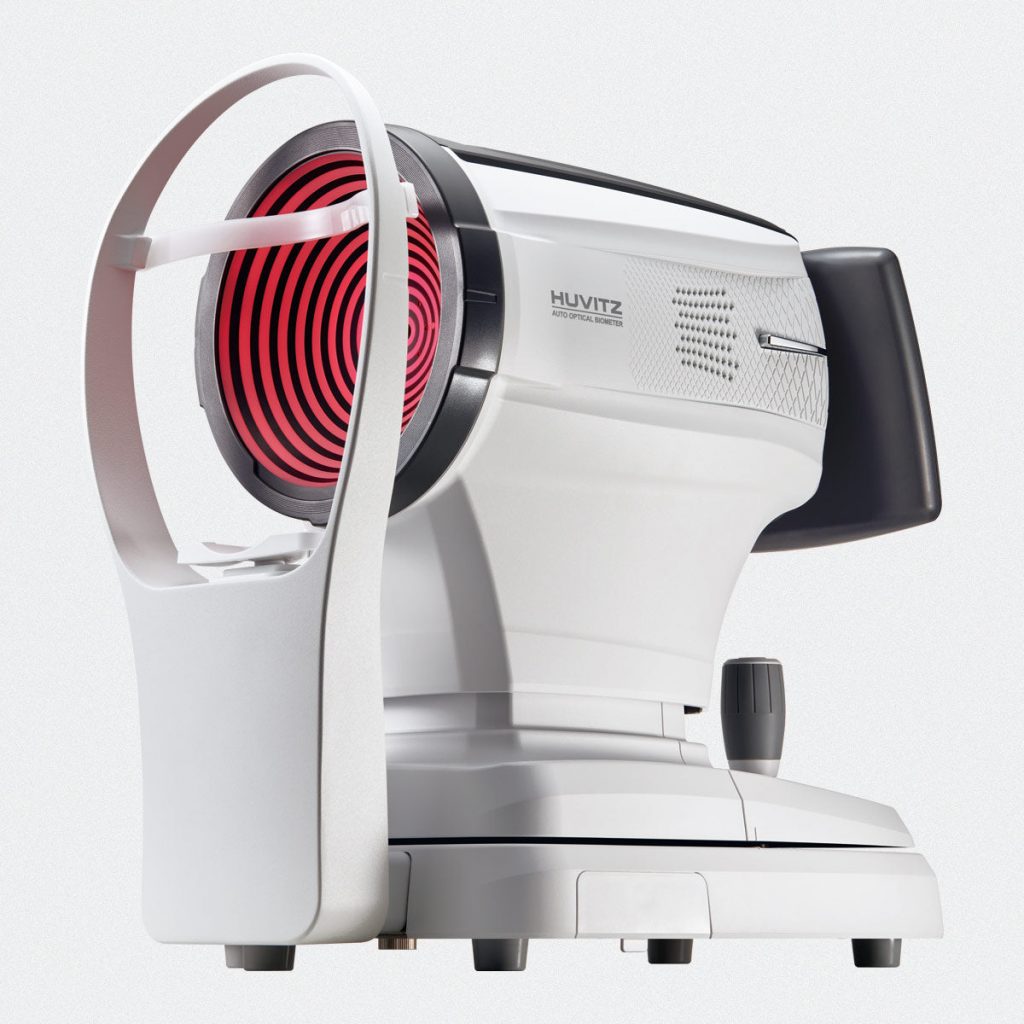
The combination of advanced optical biometry with comprehensive corneal topography enables extremely precise measurements for IOL calculation and cataract surgical planning. The HBM-1 performs 10 examinations in a single process, optimizing clinical workflow and increasing diagnostic reliability.

Intelligent Workflow and High Efficiency

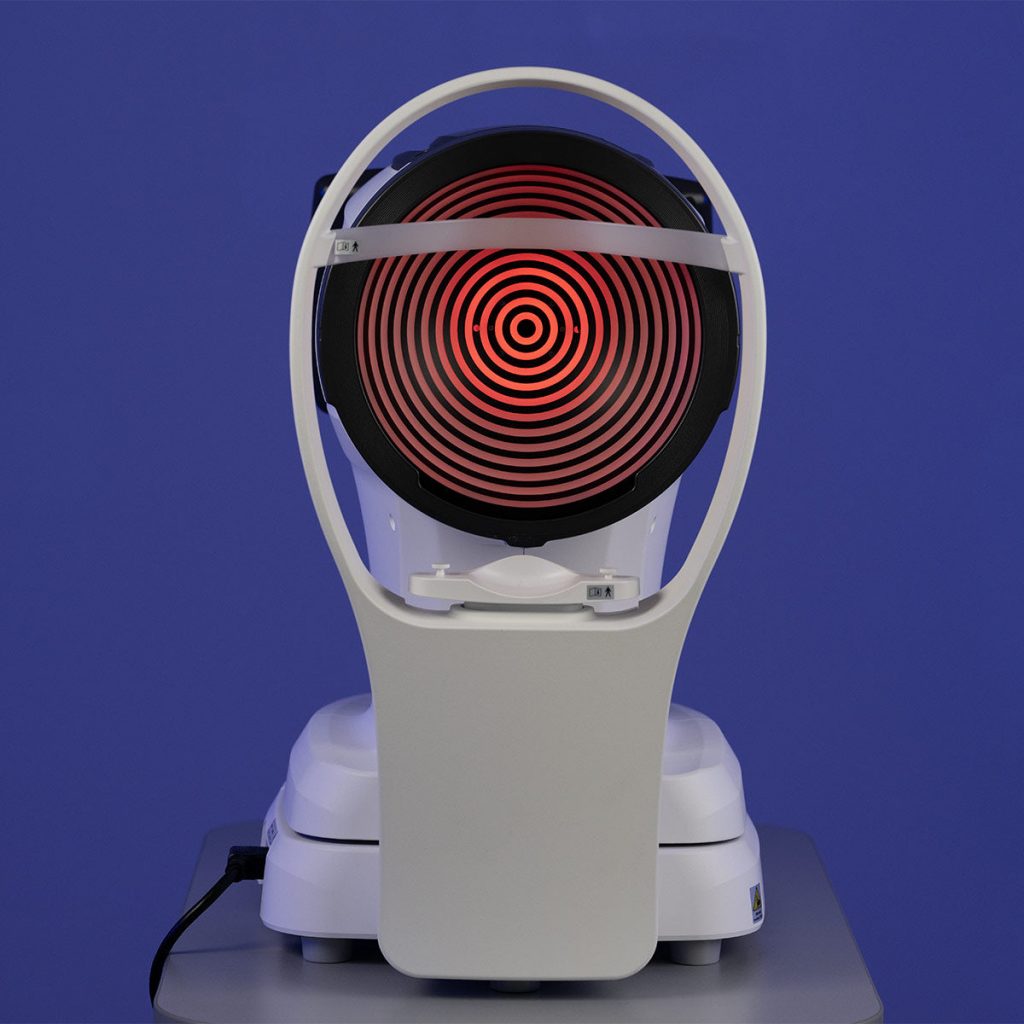
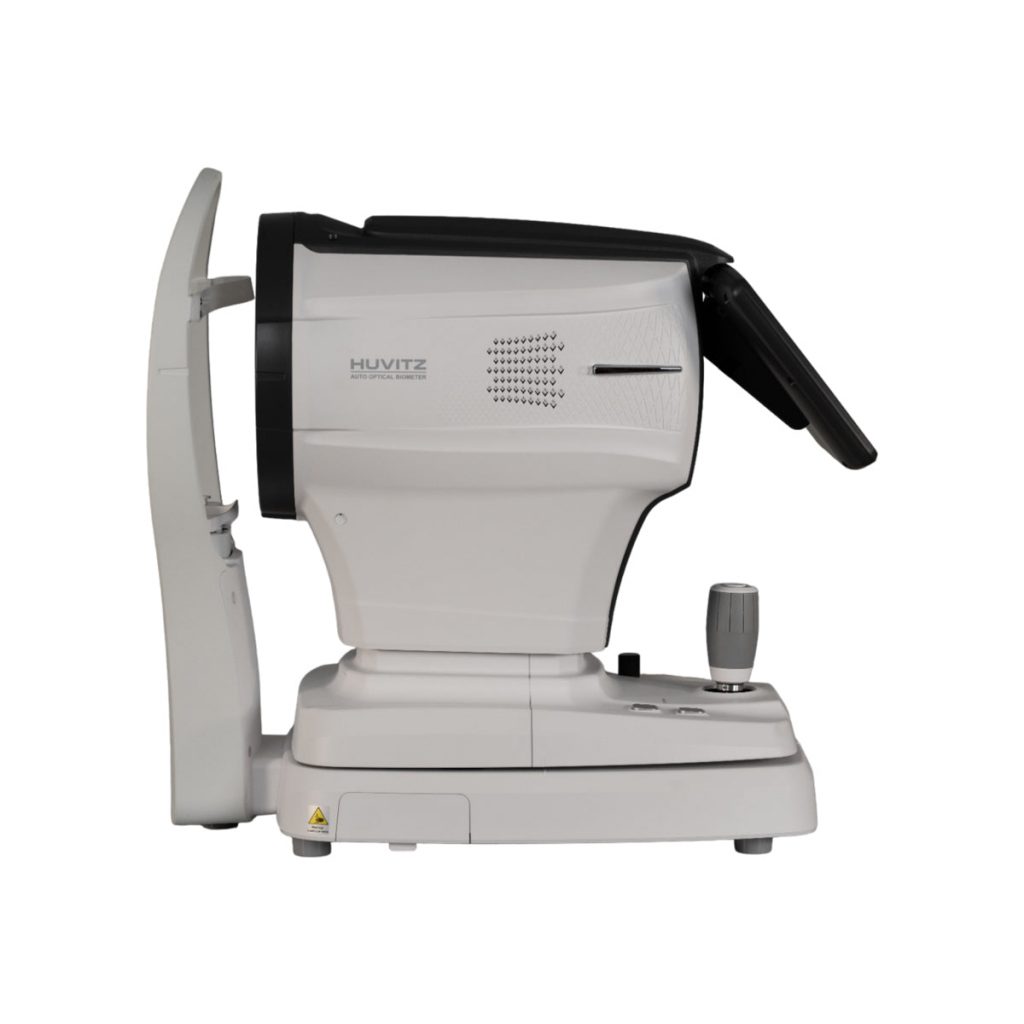
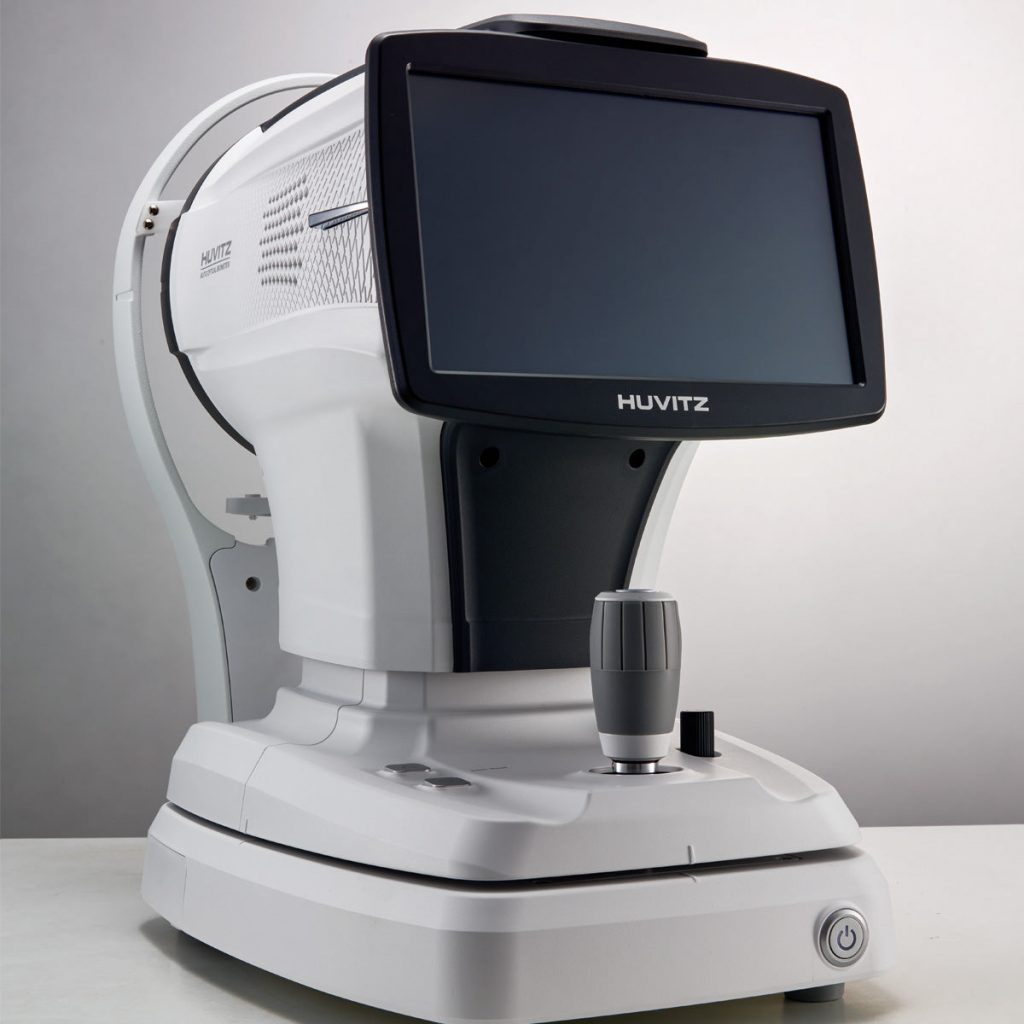
With an integrated computer, a 10.1" tiltable touchscreen display, and automatic Auto Tracking, the HBM-1 eliminates the need for an external PC and streamlines the entire examination process. The system reduces capture time, improves productivity, and delivers a smoother, more modern clinical experience.

Advanced Myopia Control

The Myopia Control module monitors axial length (AL), refractive changes, and growth trends over time. Features such as progression charts, Axial Length Trend, and treatment management enable precise, personalized tracking of myopia progression.

Superior Precision Even in Dense Cataracts

Equipped with DCM (Dense Cataract Mode) technology, the HBM-1 amplifies weak light signals to ensure reliable biometric measurements even in patients with advanced cataracts. This provides greater precision in IOL selection and enhanced confidence in surgical planning.

Huvitz Myopia Management HBM-1 (M) – image 8
Huvitz Myopia Management HBM-1 (M) – image 9
Huvitz Myopia Management HBM-1 (M)
Huvitz Myopia Management HBM-1 (M) – image 11
Huvitz Myopia Management HBM-1 (M) – image 12
Huvitz Myopia Management HBM-1 (M) – image 13
Huvitz Myopia Management HBM-1 (M) – image 14
Huvitz Myopia Management HBM-1 (M) – image 15
Huvitz Myopia Management HBM-1 (M) – image 16
Huvitz Myopia Management HBM-1 (M) – image 17

The Myopia Management module update introduces a new level of precision and efficiency in long-term patient monitoring. With standardized treatment recording, professionals can now ensure consistency across all myopia control records, while the enhanced growth curve visualization and Axial Length Trend tracking provide a deeper understanding of patient progression patterns. These improvements enable clinicians to detect subtle changes earlier, optimize treatment strategies, and deliver more personalized and effective myopia control.

UPDATE DETAILS

Myopia growth chart enlargement and Y-axis scale adjustment compatibility

The Y-axis scale adjustment within the display area improves the detection of subtle changes, reduces the need for reconfirmations, and increases consistency in the interpretation of results.

Huvitz Myopia Management HBM-1 (M) – image 1

Treatment Database + Editor

The updated Treatment Database and Editor significantly improve workflow efficiency by eliminating repetitive data entry and introducing color/status visual layers for quick identification of treatment changes and durations. Previously limited to six treatments and requiring manual entry for each patient, the system now supports an unlimited number of treatments that can be shared across patients. Users can also customize overlay colors and view the current in-treatment status in real time, enhancing clarity and optimizing patient management.

Huvitz Myopia Management HBM-1 (M) – image 2

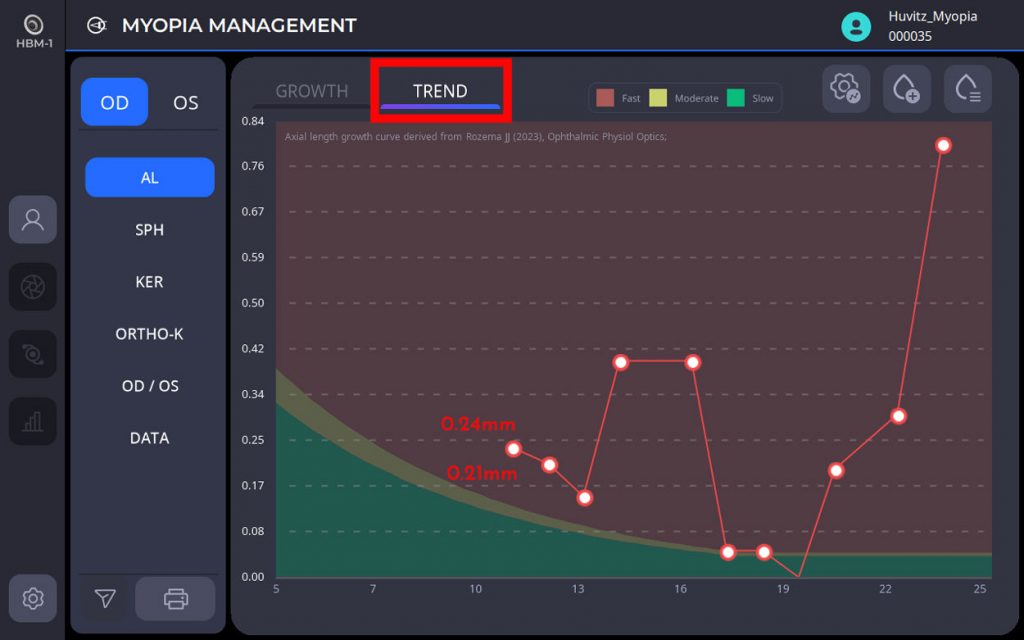
Axial Length Trend (mm/Year)

The Axial Length Trend function calculates the annual rate of change in axial length and visualizes risk zones through Fast, Moderate, and Slow (F/M/S) growth bands. The entered values are displayed as annual changes (mm/year), allowing clinicians to quickly identify curvature patterns and acceleration or deceleration zones. This clear visual representation enhances the ability to evaluate progression trends and determine the patient’s risk level at a glance.

Huvitz Myopia Management HBM-1 (M) – image 3

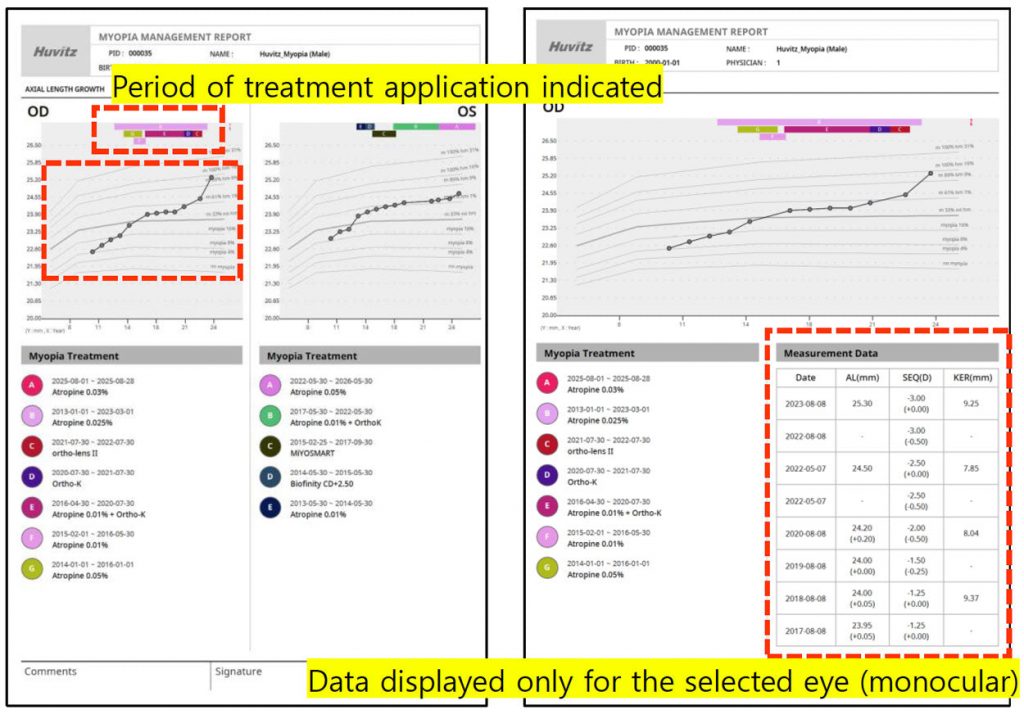
Select Report Output Elements

The enhanced report customization function allows users to select specific binocular or monocular data for output, improving clarity and reducing redundancy. Clinicians can now generate reports focused only on essential information, increasing consultation efficiency and ensuring consistent presentation through customizable preset settings. This update also minimizes errors and confusion by preventing duplicate printing and improving the readability of charts and visual data.

Huvitz Myopia Management HBM-1 (M) – image 4

Planned Updates

Huvitz Myopia Management HBM-1 (M)

HOW TO USE

Default Screen Layout

The new Default Screen Layout provides a more intuitive and streamlined navigation experience. By selecting Option 1, users are directed to the Patient Treatment Information section, where detailed clinical and treatment data are displayed for efficient case review. Selecting Option 2 opens the Percentile Curve Position Change by Ethnicity, allowing clinicians to analyze percentile variations and compare growth trends across different demographic groups. This organized layout enhances workflow efficiency and ensures faster access to critical patient information.

Huvitz Myopia Management HBM-1 (M) – image 5

Step 1: Adjusting the Chart Scale

By clicking the Chart Scale button, users access the Myopia Growth Chart Expansion & Y-Axis Scale Adjustment function. This function allows precise customization of the chart display parameters:

* X-Axis: Age
* Y-Axis: Axial Length (AL, mm)

Both the X-axis and Y-axis have a minimum value of 2, ensuring accurate scaling for detailed visualization. Simply enter the desired values and select OK to apply the adjustments.

This enhancement enables a clearer observation of subtle growth patterns and facilitates a more consistent interpretation of myopia progression data.

Huvitz Myopia Management HBM-1 (M) – image 6

Step 2: Registering a Treatment

For registering a treatment, click the Setup button (1). The Setup window will open — select Myopia (2) and click the + button (3). This will open the Add Treatment window (4), where you can define the treatment name in the Treatment Name field and choose a color in the Color option. Once finished, click Save to access the Treatment Editor window (5).

With this update:

* Treatments can be registered with a method and color, with no limit on the number of colors.
* Registered treatments can be set as defaults and automatically applied to all patients, eliminating the need for individual registration.

This improvement simplifies the workflow, reduces data entry time, and provides a more organized visualization of treatment progress.

Huvitz Myopia Management HBM-1 (M)

Managing Treatments in the Treatment Editor

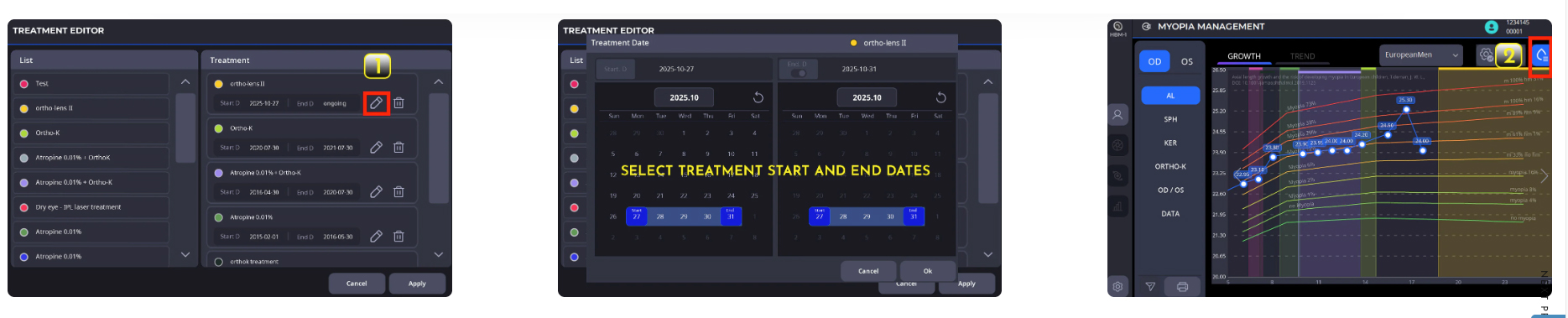
In the Treatment Editor window, the applied treatment methods and their respective colors are displayed. Clicking Button 1 will open the Treatment Date window, allowing you to select the start and end dates of the treatment period.

After defining these dates, return to the Myopia Management window. Clicking Button 2 will allow you to view the colors assigned to the treatments, facilitating quick identification of the duration and status of each treatment.

This function enhances traceability and provides a clear visualization of each patient’s treatment timeline.

Huvitz Myopia Management HBM-1 (M)

Huvitz Myopia Management HBM-1 (M) – image 7

Display Current Treatment Status by Patient

In the Myopia Management window, click Option 1 to open the Treatment Editor. Then, click Option 2 to access the Treatment Date window, where you can choose to display the current treatment status. This will generate the view shown in Window 4.

By clicking on the color bar of the active treatment, the system displays the Start Date and the indication “In Progress”. Once the treatment is completed, simply select the End Date in step ③ to complete the record.

This feature enables clear visualization and precise tracking of each patient’s current treatment status.

Huvitz Myopia Management HBM-1 (M)

Step 3: Planned Updates

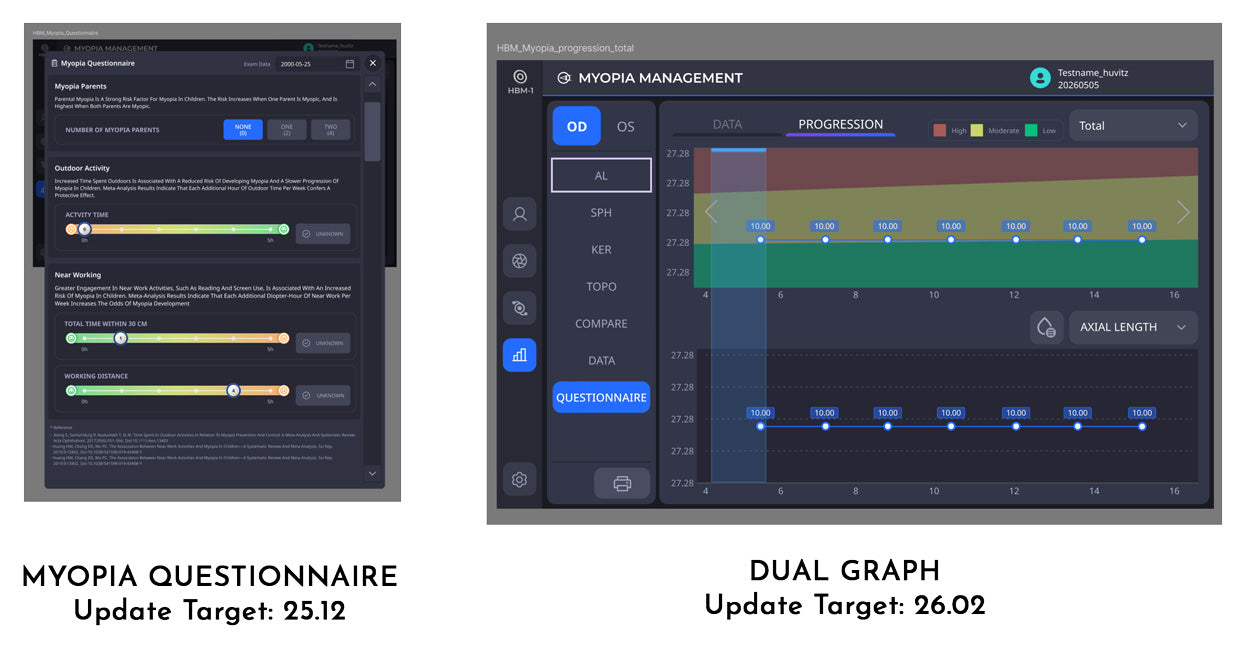
The upcoming enhancements to the HBM-1 Myopia Management module include Myopia Questionnaire and Dual Chart functions. These additions will further expand diagnostic capabilities and improve patient management, providing clinicians with more comprehensive tools to track myopic progression and offer personalized treatment plans.

Huvitz Myopia Management HBM-1 (M)

Specifications

Huvitz Myopia Management HBM-1 (M) specifications
Module Type Myopia Management Software
Compatible Device Huvitz Biometer HBM-1
Visual History Tracking Axial Length (AL) and refractive changes
Pre/Post Correction Analysis Glasses and ortho-k lenses
Myopic Growth Chart Yes, with Y-axis scale adjustment
Minimum Y-Axis Value 2
X-Axis Parameter Age
Y-Axis Parameter Axial Length (mm)
Axial Length Trend Display mm/Year
Risk Zone Display Fast / Moderate / Slow (F/M/S) growth bands
Treatment Database Unlimited treatments, shared across patients
Treatment Color Overlay Customizable, unlimited colors
Treatment Status Display Real-time with Start Date / Ongoing / End Date
Report Output Customization Single (OD/OS) or Both (OU)
Preset Report Settings Customizable
Default Display Design Options Patient Treatment Info / Ethnicity Percentile Curves
Percentile Curve Analysis Ethnicity-based comparison
Planned Features Myopia Questionnaire, Dual Graph
Standardized Treatment Input Yes
Editable Reports Yes
Annual Progression Classification Yes