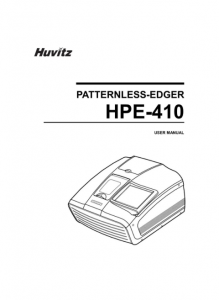















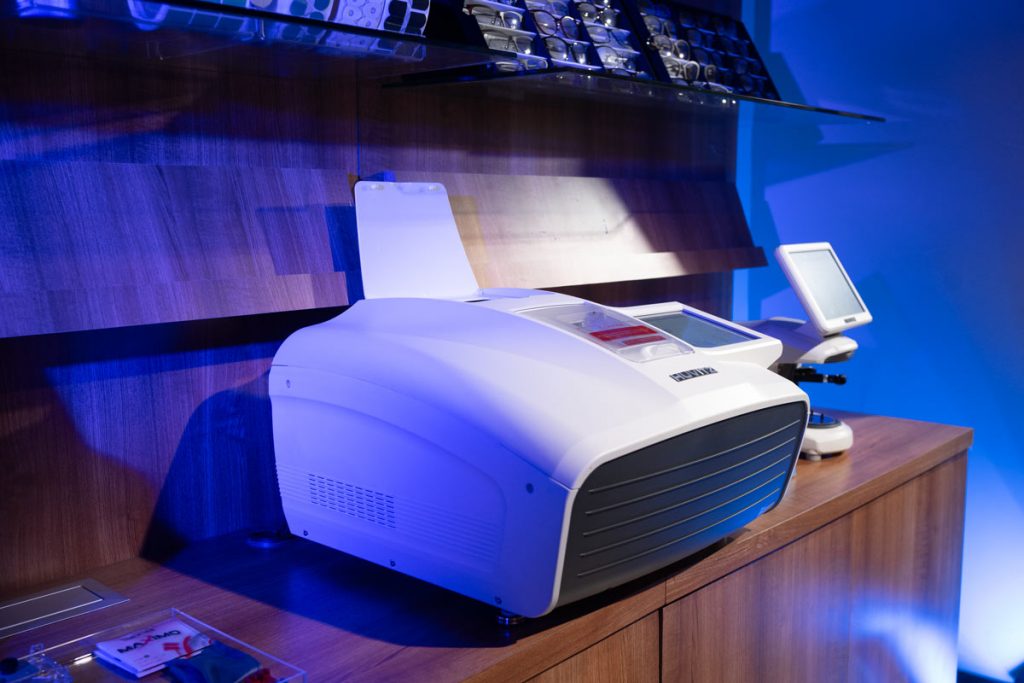
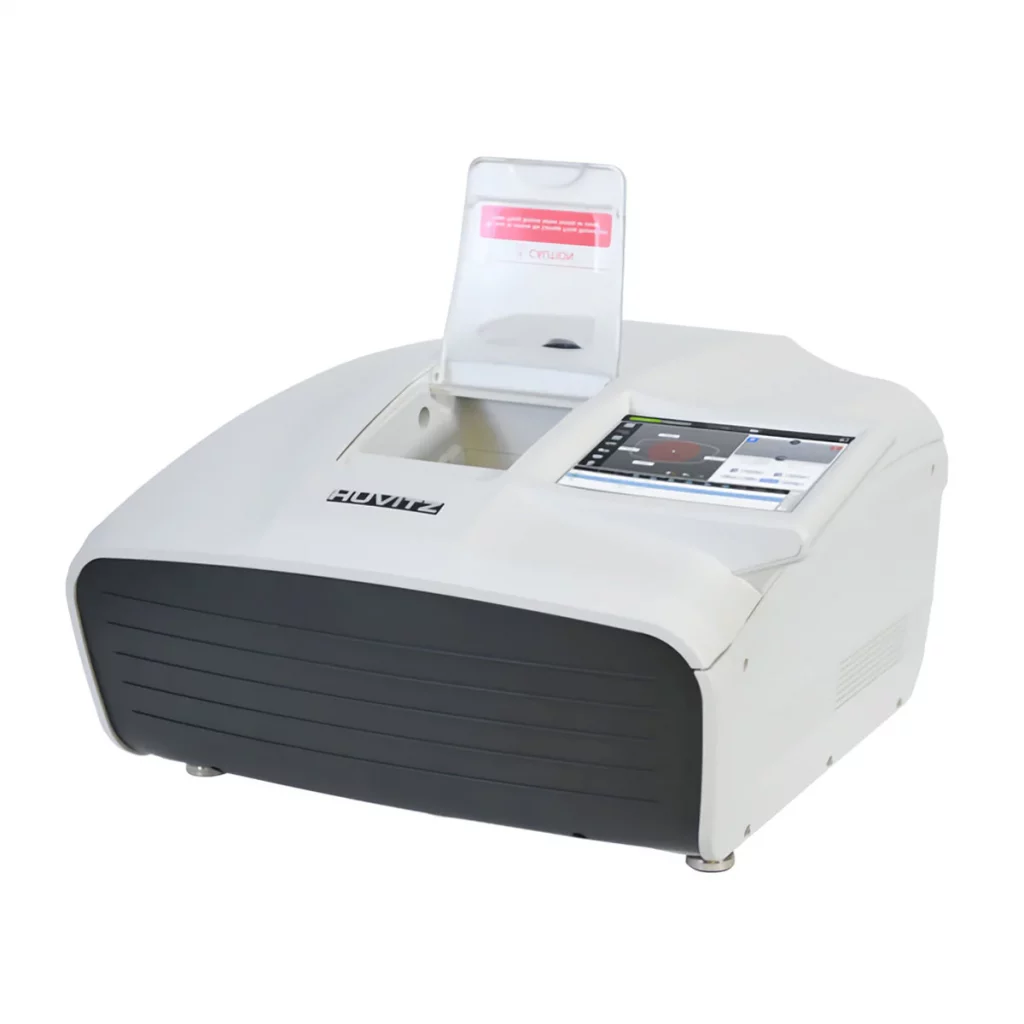
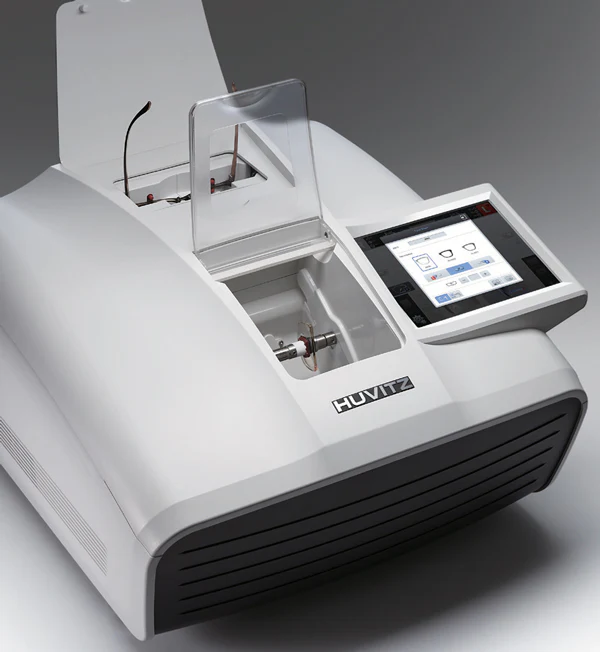
Huvitz presents the new and elegant EXCELON HPE-410.
An improved unit built on years of edging experience, while also incorporating new features based on customer feedback. Enhanced lens processing capabilities combined with a simple GUI and the ability to perform multiple tasks without restrictions. The new EXCELON HPE-410 raises the standard in edging. Packed with new technologies and innovation, working time is greatly reduced by enabling multitasking while edging and grooving. This best-selling patternless edger from Huvitz delivers exceptional features and value.
Huvitz Patternless Edger HPE-410
REQUEST QUOTEor call toll-free (888) 881-1122Financing available — simple terms, no leasing. Ask about it in your quote request.
High Precision in Finishing
The HPE-410 offers precise and stable processing for different lens types, ensuring an excellent fit in modern frames.

Smart 2D/3D Technology
Advanced 2D and 3D simulations allow precise visualization of the bevel and groove prior to processing.

Versatility for Various Tasks
Compatible with multiple materials and finishing modes, including beveling, grooving, polishing, and flat edging.

Modern and Intuitive Operation
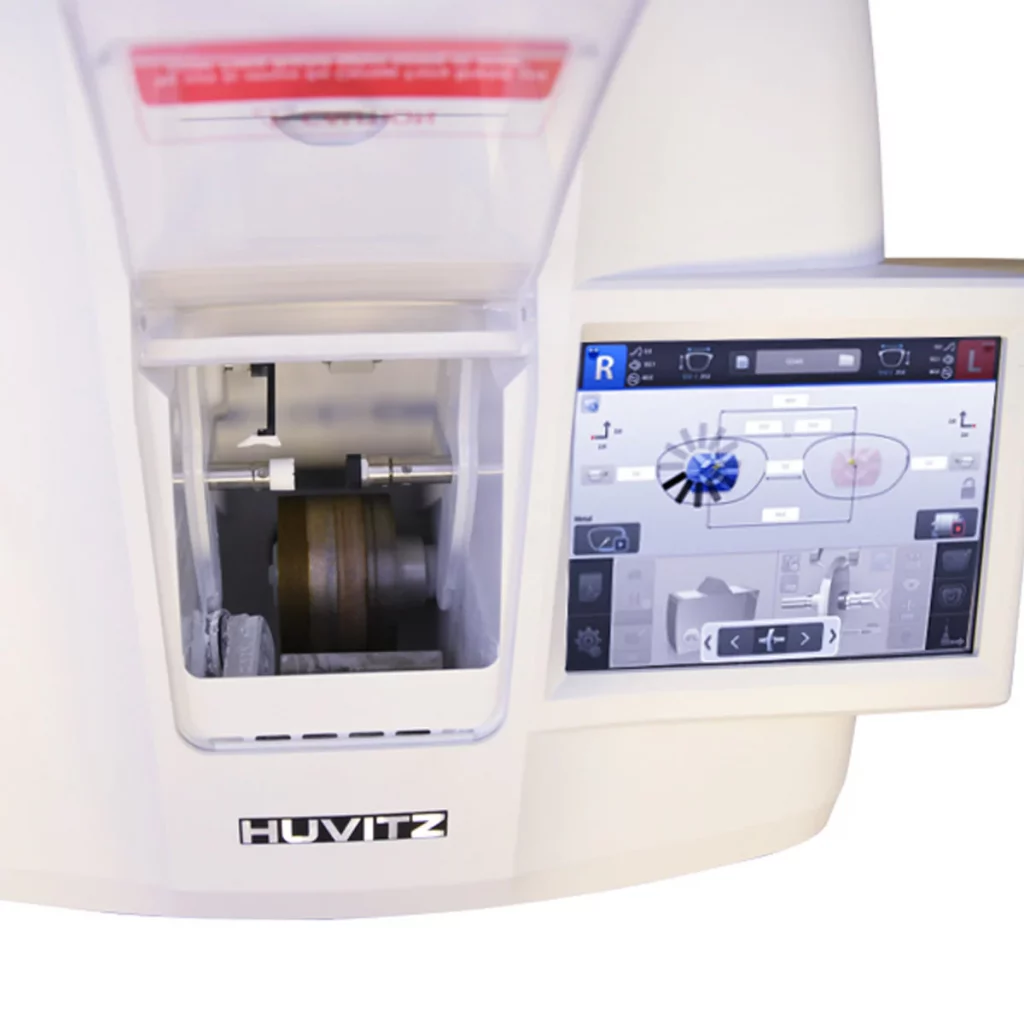
The 9.7" color touchscreen and smart interface provide a fast, simple, and efficient workflow.




Hydrophobic Mode Concept
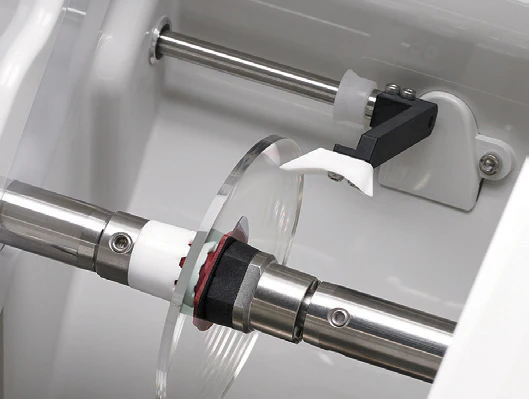
Allows easy adjustment of the edging intensity and lens rotation speed. It also incorporates an adaptive clamping and pressure control system that helps minimize or eliminate axis displacement and surface damage during lens processing.

Three roughing methods for greater stability during edging
The roughing method —normal, spiral, or axial— can be selected according to the lens material type and coating amount. In normal or spiral roughing modes, the process is carried out more stably by directly entering the lens diameter.
Simplified Hydrophobic Mode
For lenses with ultra-hydrophobic coating, susceptible to slippage and deviation, it is possible to simultaneously adjust and use different processing parameters, such as the roughing method, safety mode, adaptive chuck pressure control, and lens rotation speed.

Adaptive clamping chuck to prevent lens deformation
Minimizes axis displacement, helping to prevent damage to the lens and its coating during processing of lenses with steep curvatures.
▪ Automatic pressure adjustment at three levels: high, medium, and low.
▪ Manual pressure adjustment between 50 % and 150 %.
Four retouching options
Once the process is complete, it is possible to easily modify the size, polishing, grooving, and safety bevel. The system also allows users to consult a list of the three most recently completed jobs.
Scan & Cut Function to Create Special Shapes
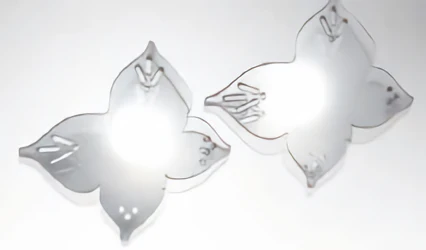
Create custom designs by directly scanning a wide variety of lenses or converting image files into work files to begin cutting. This function is available with the joint configuration of the HAB-8000 and HDM-8000 equipment.
High-response 9.7″ color touch screen
Intuitive graphical interface with Huvitz’s simple design that allows easy interaction with the equipment.
Advanced Beveling Modes
This new generation of Excelon offers intuitive and easy-to-use operation, with a wide variety of modes designed to adapt to the different needs of the user. Furthermore, a higher level of efficiency and functionality can be achieved through the optional integration of an automatic blocker and/or a driller.
Eight different bevel types to suit every frame
Allows lens processing to be customized through various options, such as conventional bevel, rimless finish, mini-bevel, partial bevel, partial grooving, double grooving, and hybrid grooving.

Six advanced bevel positions and preview mode
The system selects the optimal bevel position through automatic calculation of the lens type and thickness, as well as frame characteristics, using 2D and 3D simulations.
▪ Automatic bevel position.
▪ Manual bevel position by percentage, front shift, back shift, or base curve.

Compatible processing for five types of lens materials
Allows processing of lenses made from a wide variety of materials and curvatures, including CR-39 plastic, high-index materials, polycarbonate, Trivex, and glass.
Three stylus positioning modes for different measurement conditions
The system allows selecting the optimal stylus position according to different working situations, such as measurement in normal mode, frame change, or verification of a possible bevel insufficiency.
▪ Three stylus positioning modes: measurement on both sides, front face only for CAP lenses, and back face only for EX lenses.
▪ Tracing option after roughing to verify the quality of the safety bevel and grooving.
Powerful digital pattern function and editing
▪ Allows modifying the size, shape, and rotation of the lens.
▪ Frame type change and correction: allows easily modifying or correcting a deformed frame shape by swapping between the right and left side or using the mirror function between both sides.
▪ Intuitive configuration design: allows directly entering and editing design information in different frame shapes.
▪ Easy Click editing function: allows adjusting the magnet position of the Chemistrie Clip system for sunglasses and removable reading lenses.

|

|
Intelligent algorithm to improve edging quality
Edging quality surpasses that of previous models through the application of intelligent algorithms. These automatically perform corrections in lens size, bevel, grooving, and interpupillary distance, achieving a more precise and consistent fit.
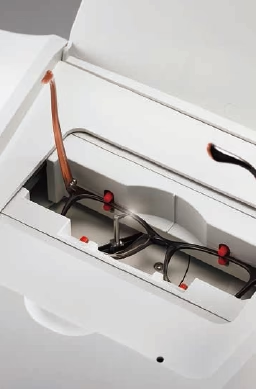
High-precision integrated tracer with three-dimensional measurements
▪ Allows selection between automatic, semi-automatic, and concave modes.
▪ In semi-automatic mode, the feeler pin can be manually placed in the narrow grooves of complex frames. In concave mode, the system recognizes the concave shape of the demo lens.
▪ Frame tracing and lens edging can be performed simultaneously, increasing efficiency and considerably reducing overall processing time.
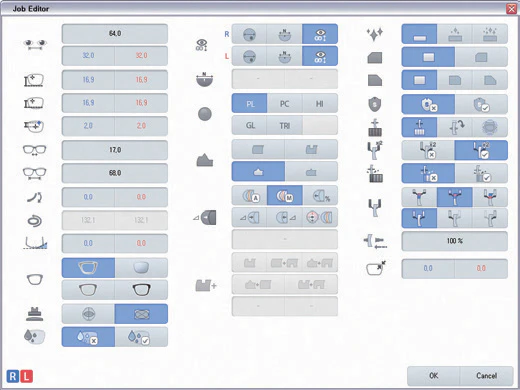
Expert job editor with preview and immediate execution
▪ Allows searching, previewing, and instantly executing all jobs.
▪ Advanced operation options give expert users greater control over the process, allowing them to directly enter the frame tilt angle or lens curvature.
Powerful multitasking capability with the new simultaneous processing job manager
▪ Allows you to view the step-by-step job list at a glance and prepare or execute the next job while edging is in progress.
▪ Offers large memory capacity to store an unlimited amount of job data.
▪ Compatible with barcode interface for renaming files, importing jobs, and searching job files.
Direct DCS (OMA) Import Without File Conversion
Allowing users to save complete information for future use — such as frame shapes, FPD, edge types, and lens materials — to SD card memory without the hassle of converting DCS (OMA) work files.
Providing most work data ready to use in DCS format, collected from the websites of leading frame manufacturers.
Maintain folder-based DCS files to avoid duplicate file names within a folder.
Work data imports from external devices such as a DCS host, external tracer/auto-blocker, or HERA Intraworks (PC).

Specifications
| Edger specification | |
|---|---|
| Lens material | Plastic, polycarbonate, high-index plastic, glass, Trivex |
| Wheel | Beveling (Normal / Partial / Mini bevel) Grooving (Normal / Partial / Hybrid / Double groove) Flat edge Safety bevel Polishing Automatic / manual position with 2D / 3D simulation compatible for beveling and grooving. |
| Functions | Job manager, digital pattern, retouching, bevel/groove simulation, shape mirror, concave shape |
| Utilities | Manual room door edge (hinged door) Room lighting edge Single-side sensation (front, rear) SD card storage (memory included) |
| Display | 9.7-inch color LCD TFT (1024x768) with touchscreen |
| Edge size | Max.: 3.54 in / 90 mm Min.: Flat edge: 0.73 in - 18.5 mm (without safety bevel) / 0.90 in - 23.0 mm (with safety bevel) Beveled edge: 0.78 in - 20.0 mm (without safety bevel) / 0.97 in - 24.7 mm (with safety bevel) |
| Dimensions | 23.78(W) x 22.5(D) x 14.5(H)in (604(W) x 571(D) x 369(H)mm) |
| Weight | 103.4 lb / 47 kg or less (without Tracer module) |
| Power supply | AC 100~120V / AC 200~230V 50/60Hz |
| Power Consumption | 1400W(110V), 1500W(220V) |
| Tracer specification | |
| Tracking Type | Automatic 3D binocular tracking |
| Tracking Mode | Automatic, semi-automatic |
| Tracking Size | Frame 0 / 0.63 ~ 3.62 in. (0 / 16.0 ~ 92.0 mm), pattern 0 / 0.63 in. ~ 3.31 in. (0 / 16.0 ~ 84.0 mm) |
| Frame material | Metal, hard plastic, soft plastic |
| Data Processing | FPD, frame curve, circumference, 3D angle, concave shape |